
How to Generate AI Porn Videos from Photos — Step by Step Guide (2026)
Learn how to create realistic AI porn videos from any photo in minutes. Complete step-by-step guide using PornPop's AI video generator — quick signup, no verification needed, free credits included.
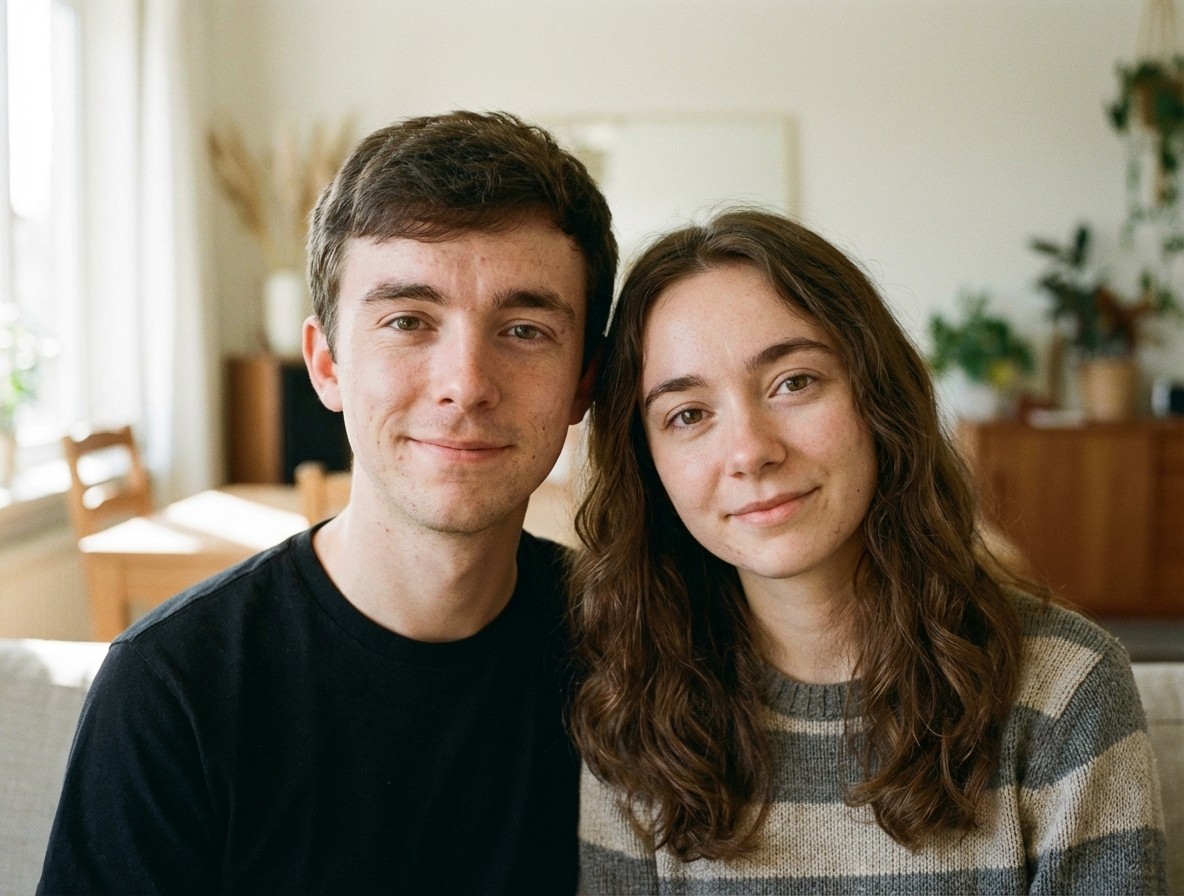
AI photo-to-video technology has made it incredibly easy to turn any static image into a realistic, animated video. Whether you want to create motion content from a single photo or experiment with different animation styles, modern AI generators handle it all in under a minute.
This guide walks you through the entire process — from choosing the right photo to downloading your finished video — using PornPop.AI, one of the most popular platforms for AI video generation in 2026.
What Is AI Photo-to-Video Generation?
AI photo-to-video generators use deep learning models (typically based on diffusion networks) to animate still images. The AI analyzes the content of your photo — faces, bodies, backgrounds — and generates natural-looking motion frame by frame.
The result is a short video (typically 3-10 seconds) that looks like the person in the photo is actually moving. The technology handles:
- Facial expressions — blinking, smiling, head turns
- Body movement — natural poses, gestures, weight shifts
- Scene dynamics — background consistency, lighting continuity
- Clothing physics — realistic fabric movement
Unlike deepfake tools from a few years ago, modern AI video generators produce smooth, high-resolution output without the uncanny valley effect.
What You Need Before Starting
You don't need any technical skills or special software. Here's your checklist:
- A clear photo — front-facing works best, good lighting, minimum 512×512 pixels
- A web browser — Chrome, Safari, Firefox, or any modern browser
- Any device — phone, tablet, or desktop (93% of PornPop users create on mobile)
- A quick account — signup takes 10 seconds, no email or phone verification required
That's it. No downloads, no installations, no learning curve.
Step 1: Upload Your Photo
Head to PornPop.AI and tap the "Create" button on the home screen. You'll see the upload area where you can:
- Drag and drop your image from your computer
- Tap to select from your phone's gallery
- Take a photo directly with your camera
The platform accepts JPG, PNG, and WebP formats up to 10MB. Once uploaded, you'll see a preview of your image.
Photo Selection Tips
The quality of your input photo directly affects the output video. Here's what works best:
| Aspect | Recommended | Avoid |
|---|---|---|
| Lighting | Natural, even lighting | Dark shadows, harsh flash |
| Resolution | 512px or higher | Below 256px (will look blurry) |
| Face angle | Front-facing or slight angle | Extreme profile views |
| Background | Clean, simple | Cluttered, busy backgrounds |
| Focus | Sharp, in-focus subject | Blurry or motion-blurred |
| Filters | Minimal or none | Heavy Instagram filters |
Pro tip: If you're using a photo from your gallery, pick one where the person is looking roughly toward the camera. The AI creates the most realistic animations when it can clearly see facial features.
Step 2: Choose a Template
This is where the magic happens. PornPop offers 500+ templates organized by style and motion type. Browse the template marketplace to find the perfect animation for your photo.
Templates fall into several categories:
- Motion templates — add natural body movement and poses
- Expression templates — animate facial expressions and reactions
- Scene templates — place your subject in dynamic scenarios
- Style templates — apply specific visual styles to the animation
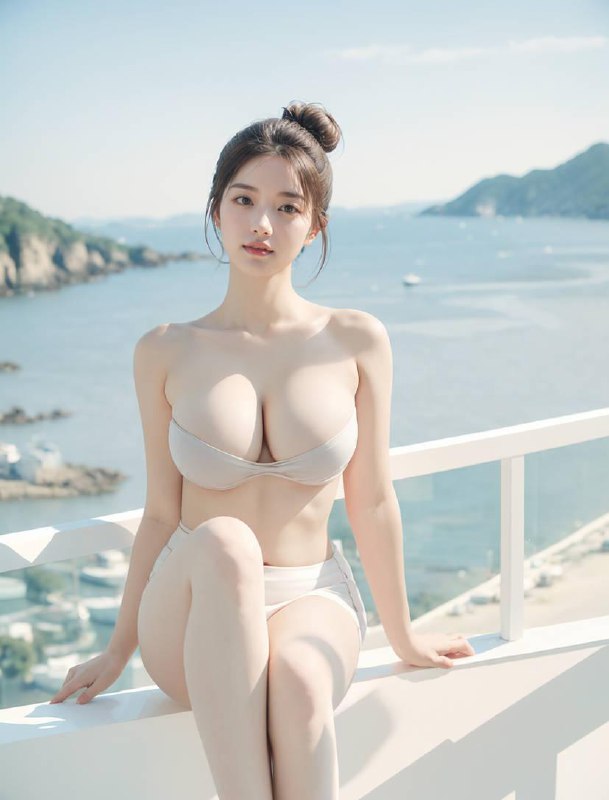
Each template shows a video preview so you know exactly what the animation will look like before generating. You can scroll through popular templates or use the search to find specific styles.
How to Pick the Right Template
- Start with "Popular" or "Trending" — these templates are battle-tested and work well with the widest range of photos
- Match the pose — if your photo shows someone sitting, choose a template designed for seated poses
- Consider the framing — close-up photos work best with facial animation templates, while full-body shots suit motion templates
- Experiment freely — generation is fast, so try 2-3 templates to see which gives the best result
Step 3: Generate Your Video
Hit the "Generate" button and the AI goes to work. Processing times depend on your plan:
| Plan | Processing Time | Output Quality |
|---|---|---|
| Free | 60-90 seconds | 480p |
| Plus | 30-45 seconds | 720p HD |
| Pro | 15-30 seconds | 1080p Full HD |
| Ultra | 15-30 seconds | 1080p Full HD |
While you wait, the platform shows a progress indicator. Most videos are ready in under a minute.
Step 4: Preview and Download
Once generation is complete, you'll see your video in the built-in player. Here you can:
- Play the preview — watch the full animation
- Compare before/after — see the original photo alongside the video
- Download in HD — save to your device in MP4 format
- Re-generate — try a different template if you want to experiment
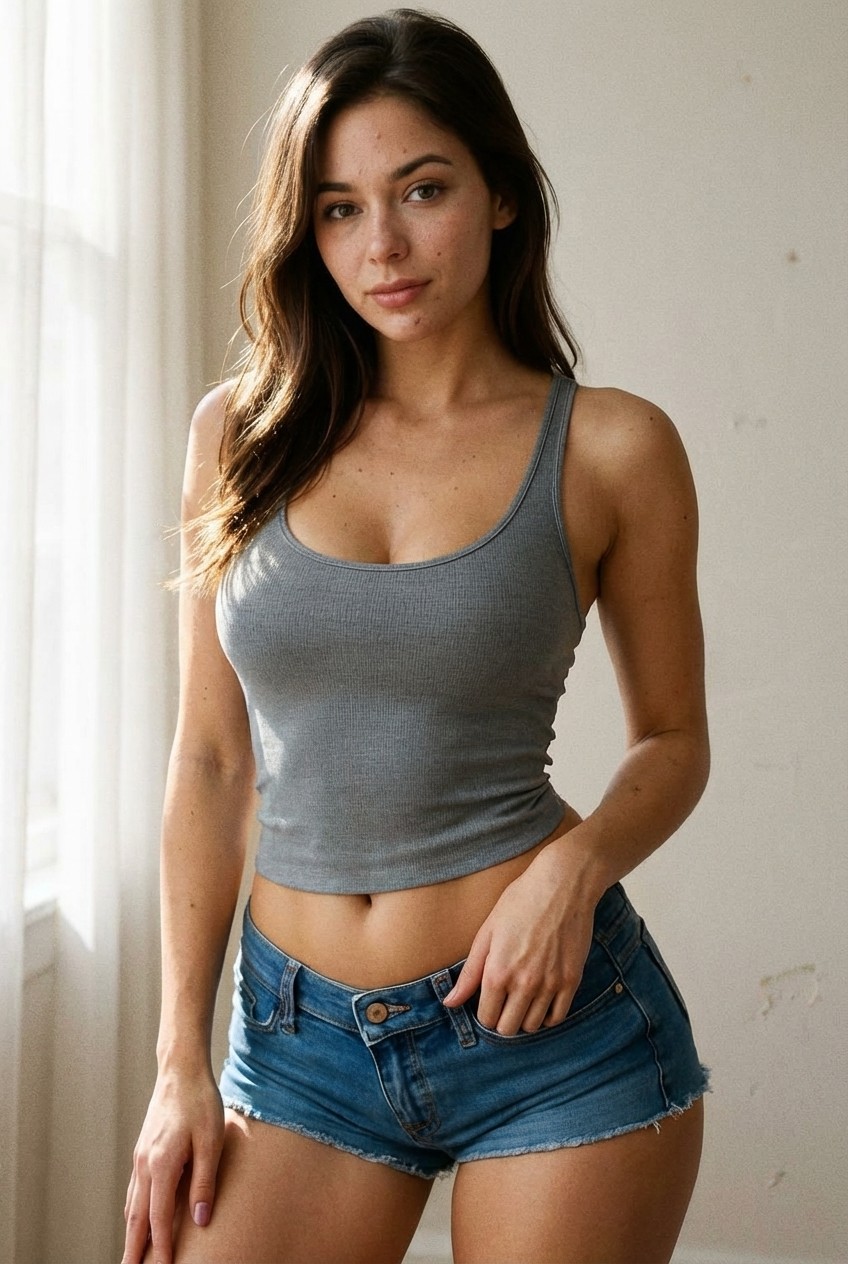
Downloaded videos are standard MP4 files that play on any device or app. Plus and above plans include downloads without watermarks.
Advanced Tips for Better Results
Use Multiple Photos
Don't stop at one photo. Try the same template with different images to see how the AI interprets each one. Some photos produce surprisingly better results than others, even from the same person.
Optimize Your Source Image
If your results aren't great on the first try:
- Crop tighter — remove unnecessary background to help the AI focus on the subject
- Increase brightness — slightly brighter photos tend to produce smoother animations
- Use the highest resolution available — the AI has more detail to work with
Try Different Template Categories
The same photo can produce completely different results depending on the template. A photo that looks mediocre with a motion template might look amazing with an expression template. Don't give up after one try.
How AI Video Generation Actually Works
Behind the scenes, PornPop uses a multi-step AI pipeline:
- Face detection — the AI identifies and maps facial landmarks
- Body estimation — skeletal pose estimation determines body positioning
- Motion synthesis — the chosen template's motion data is applied to the detected pose
- Frame generation — a diffusion model generates each video frame
- Temporal smoothing — post-processing ensures smooth transitions between frames
- Upscaling — the final output is enhanced to the target resolution
The entire pipeline runs on cloud GPUs, which is why you don't need a powerful device — all the heavy computation happens server-side.
Frequently Asked Questions
Is PornPop free to use?
Yes. PornPop offers free credits for new users. Signup takes about 10 seconds — no email verification, no phone verification, no credit card required. You can generate several videos to test the platform before deciding on a paid plan.
What photo formats are supported?
JPG, PNG, and WebP. Maximum file size is 10MB. For best results, use photos at least 512×512 pixels.
How long are the generated videos?
Most templates produce videos between 3-10 seconds. The exact length depends on the template chosen.
Can I use any photo?
The AI works best with clear, well-lit photos of people. It can handle various poses, angles, and body types. Photos with extreme occlusion (things blocking the face/body) may produce lower quality results.
Is my data safe?
All uploaded photos are encrypted in transit and at rest. Photos are automatically deleted from servers after processing. PornPop does not store, share, or use your images for any purpose other than generating your requested video.
Does it work on mobile?
Absolutely. PornPop is designed mobile-first — 93% of users create videos from their phones. The interface is optimized for touch screens and works in any mobile browser.
What if I don't like the result?
Try a different template or adjust your source photo. Each template interprets photos differently, so experimenting with 2-3 options usually produces a result you're happy with. Free credits allow you to try multiple times.
Why PornPop.AI?
Compared to other AI video generators:
- 500+ templates — the largest selection available in any NSFW AI platform
- No watermarks on paid plans
- Fast processing — results in under 60 seconds
- Mobile-first — designed for the 93% of users on phones
- Quick signup — no email or phone verification needed
- Multiple payment methods — Visa, Mastercard, crypto, and regional options including Russian payment systems
- Privacy focused — photos deleted after processing, no data retention
Start Creating Now
Ready to turn your photos into realistic AI videos?
No download. 10-second signup. Free credits to start. Works on any device.